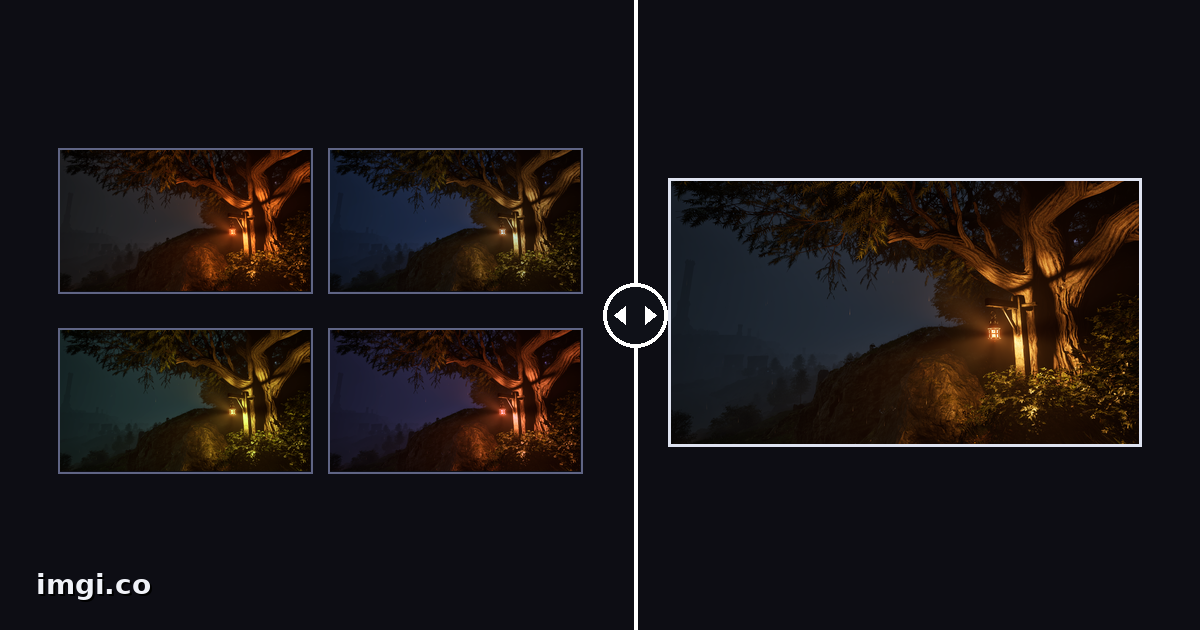
Every “model A vs model B” thread has the same exhibit: a 4x4 grid of thumbnails, each image the size of a stamp, with a confident conclusion attached. Zoom into any cell and the evidence dissolves. Grids are how AI image comparisons get posted, and grids are almost useless for the thing people claim they show, because the differences between good models today live in the details a thumbnail destroys.
If you actually want to know whether one model renders better skin, cleaner text, or saner hands than another, the method is the same discipline as any image comparison, plus a few problems unique to generators.
The unique problem: no two runs are the same image
Comparing two screenshots of a game is easy because the scene holds still. Generators don’t. The same prompt produces a different image every run, so “model A vs model B” is really “one sample from A vs one sample from B”, and single samples lie. Every model produces the occasional stunner and the occasional horror. Pick one of each and you can prove anything.
Two habits keep you honest:
- Generate several images per model for the same prompt, four to eight, and compare the batches, not the best of each. If a tool exposes a seed, reuse it per model so at least each model’s own runs are reproducible.
- Decide what you’re judging before you generate. “Which handles text in signs better” is answerable. “Which is better” is a forum fight.
Keep the pipeline matched too: same prompt wording, same aspect ratio and output size, and pull files from wherever the tool provides its full-quality export rather than screenshotting previews. Most generator interfaces hand you a compressed preview first; comparing those means comparing two compressors, the exact trap covered in the format guide.
Stop using grids for judgment
A grid answers one question well: what’s the general vibe of each batch. Composition tendencies, color bias, how often a model faceplants. Use it for that first pass, honestly.
Then take the real question to a slider. Two matched outputs stacked in the same frame, a handle to drag across the seam:
The reason this works for AI comparisons specifically: model differences cluster in exactly the spots your eye skips at thumbnail size. Drag the boundary slowly across:
- Hands, still, and any place limbs cross or objects get held
- Text inside the image, signs, labels, book spines, where one model writes and another draws alphabet soup
- Eyes and teeth in portraits, and skin texture, plastic-smooth versus pored
- Backgrounds, where cheaper generations go abstract while the subject stays sharp
- Repeating structures, fences, windows, tiles, that reveal whether the model can count
A difference you can catch flicking between browser tabs is a difference a slider makes obvious enough to show someone else. That last part is the point: a comparison you can’t share convincingly is just your opinion with extra steps.
The workflow that scales past two images
One imgi comparison holds up to ten images with a dropdown choosing which pair sits under the slider. That fits the real shape of a model shootout: prompt X rendered by model A, model B, model C, plus a couple of extra samples per model, all in one link, any pair comparable in two clicks. Label every image with model and settings, because a week later “output-final (7).png” identifies nothing.
Testing across several prompts, portrait, landscape, text-heavy, busy scene, is where albums earn their keep: one comparison per prompt, one album for the whole test, one link at the end. That’s a shareable model review with receipts, instead of a grid and a verdict.
Two hygiene rules for the uploads themselves. Push the full-quality files, not screenshots of them. And host them somewhere that won’t recompress: imgi serves your exact uploaded bytes, which matters double here because generator artifacts and compression artifacts look confusingly similar, and you want to be sure whose artifacts you’re pointing at.
What this method can’t tell you
A slider settles image quality questions. It can’t settle prompt adherence, whether the model gave you what you asked for, style range, or how many retries the good output cost, and those often matter more than crispness. Note your keeper rate per batch alongside the visual comparison and say both numbers when you post.
And if your pipeline upscales outputs afterward, test that stage separately; the upscaler test exists for exactly that, and bundling the two stages together muddies both answers.
Generate the batches, pick honestly, line up the pairs, and let people drag. The argument mostly ends there.